How to Warm Up TikTok and Instagram Accounts
Account warm-up means using a new TikTok or Instagram account like a person for one to three weeks before posting at volume. A calm, day-by-day plan.
To warm up a new TikTok or Instagram account, use it like a real person for one to three weeks before you post at volume: scroll and watch every day, stay inside one niche, start with a few likes and add follows and comments slowly, keep a human pace with rest days, and give every phone its own connection. Post your first video once the account has a few days of ordinary use behind it. This guide explains why that works, gives you a plan you can follow by hand, and shows how a phone farm runs the same plan automatically.
What is account warm-up?
Account warm-up is the first stretch of an account's life, spent doing what normal new users do: watching, scrolling, searching, liking now and then. No schedule, no bulk actions, no posting burst.
Platforms judge new accounts by behaviour. A person who just signed up spends time in the feed and slowly finds what they like. An account that follows thirty people and likes forty posts in its first hour behaves like a tool, because acting is the only reason a tool exists. It also teaches the feed what the account is about, which is what gets your later videos in front of the right viewers.
Why do new accounts need a warm-up?
Three general reasons:
- New accounts get less slack. An account with no history has nothing to balance a sudden burst of activity against, so limits and checks bite sooner.
- The algorithm has to learn the niche. What an account watches and likes shapes what it is shown, and that shapes who sees its posts later.
- Mistakes are cheap early and expensive later. A plan that is too careful costs a few days. A plan that is too fast can cost the account.
None of this is a guarantee. Nobody outside the platforms knows their exact rules, and they change. Warm-up lowers risk; it does not remove it.
What does a warm-up plan look like, day by day?
Start small, grow gradually, rest one day a week. Below are the default values in our warm-up planner, the "Standard" preset: 14 days, three short sessions a day between 09:00 and 22:00, one rest day a week. A starting point, not a rule.
| Day 1 | Last day (day 14) | |
|---|---|---|
| Scrolling per day | 6 min | 22 min |
| Videos watched to the end | 8 | 30 |
| Likes | 3 | 18 |
| Follows | 0 | 6 |
| Comments | 0 | 2 |
| Profile visits | 2 | 8 |
Hard caps sit above the ramp: at most 10 follows a day and 25 likes an hour, with a random 12–90 seconds between two actions. The ramp is "gentle" — it holds back for most of the plan and picks up near the end.
The planner has two other presets. Careful runs 21 days and is meant for brand-new accounts. Quick runs 7 days and is meant only for accounts that are already aged. It also warns you when a plan looks risky: more than 20 follows a day, more than 60 likes an hour, or a warm-up shorter than a week.
If you do it by hand, the shape is the same:
- First days: watch and scroll. Search a few terms from your niche. Few or no likes, no follows, no comments.
- Week one: likes on videos that clearly fit your niche. Open a few creator profiles.
- Week two: the first follows and the odd comment, still only in your niche.
- Week three (for a brand-new account): keep growing slowly, then start posting on a steady rhythm.
Warm-up length by planner preset
| Warm-up length by planner preset | |
|---|---|
| Quick (aged accounts only) | 7 d |
| Standard | 14 d |
| Careful (brand-new accounts) | 21 d |
Why should you pick the niche on day one?
Because everything the account does in the first weeks teaches the feed what it is about. If it watches cooking, football and crypto on the same day, the feed learns nothing useful — and your first videos land in front of the wrong people.
Decide the niche before the first session and stick to it:
- Watch niche videos longer; swipe away off-niche videos early.
- Like, comment and follow only inside the niche.
- Search for terms from your niche now and then instead of only scrolling the home feed.
- Skip ads: watch them briefly, never like or comment on them.
What does a human pace look like?
People are irregular: they skip most videos, watch a few to the end, open the app several times a day and take days off.
- Several short sessions beat one long one.
- Random gaps between actions. A fixed rhythm is a signature.
- Varying watch times. In our software, by default most videos are watched briefly (about 2–5 seconds), some for 6–13 seconds, a few for 15–35 seconds, and about one in ten is swiped away almost at once. Niche videos are watched longer.
- No lockstep across accounts. Twenty accounts that start at the same minute and like exactly three posts form a pattern, however careful each one is on its own.
Does every phone need its own IP address?
Yes. Platforms look at the network an account comes from as closely as at the device. Twenty accounts on one line look like twenty accounts run by one person, because they are. Each phone should have its own connection, ideally a mobile one, since that is what real users have.
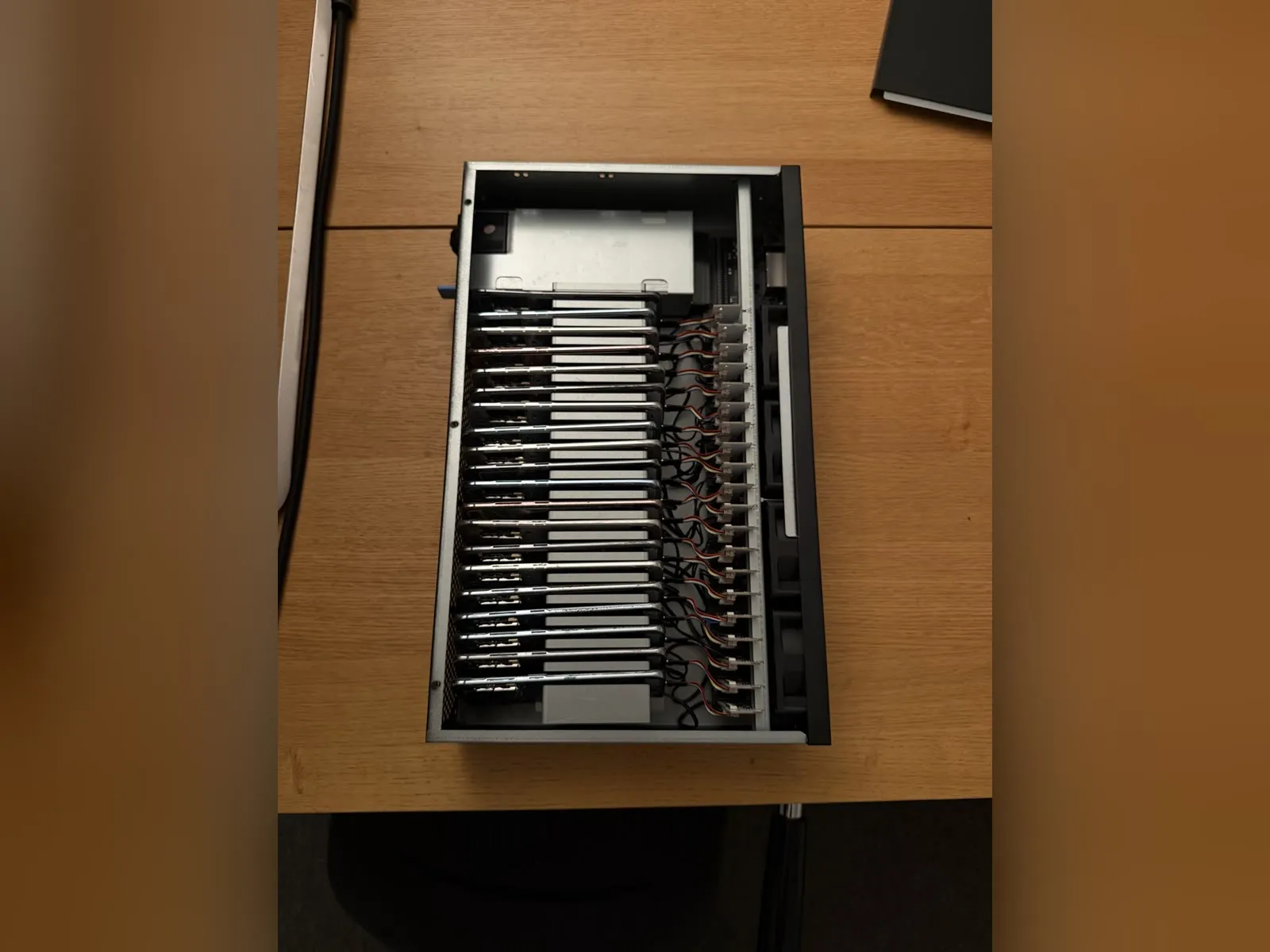
On our iPhone racks every phone has its own SIM. What fits your own setup — SIM or proxy, and which provider — depends on your platforms and your country, so ask our team about it rather than guessing. The options and their prices are compared in phone farm proxies vs SIM cards.
When should you complete the profile?
During the first week, not in the first five minutes. A real person signs up, looks around, and fills in the profile picture, name and bio over the next few days. Use a picture and a bio that match the niche — it helps the platform and your later viewers understand the account.
Once it is done, keep it stable.
When should you post the first video?
Once the account has a few days of ordinary use behind it. For a brand-new account that is usually some time in the second week; for an aged account it can be sooner. Start with one post, keep using the account normally around it, and increase the rhythm gradually.
After a post, do not close the app straight away. Stay in the feed for a few minutes the way a person checks their new video and keeps scrolling.
What are the most common warm-up mistakes?
- Doing everything on day one: profile, twenty follows, fifty likes, first post.
- Mixing niches because a video is funny, or liking everything that appears.
- Several accounts on one connection.
- Identical schedules for every account: same start time, same numbers, same rest day.
- Tapping away warnings and carrying on. If the app shows an action block or a strange popup, stop and look. Carrying on usually turns a pause into a ban.
- Skipping the warm-up after a device or account change. A new phone for an existing account deserves a few calm days too.
How does warm-up run automatically on a phone farm?
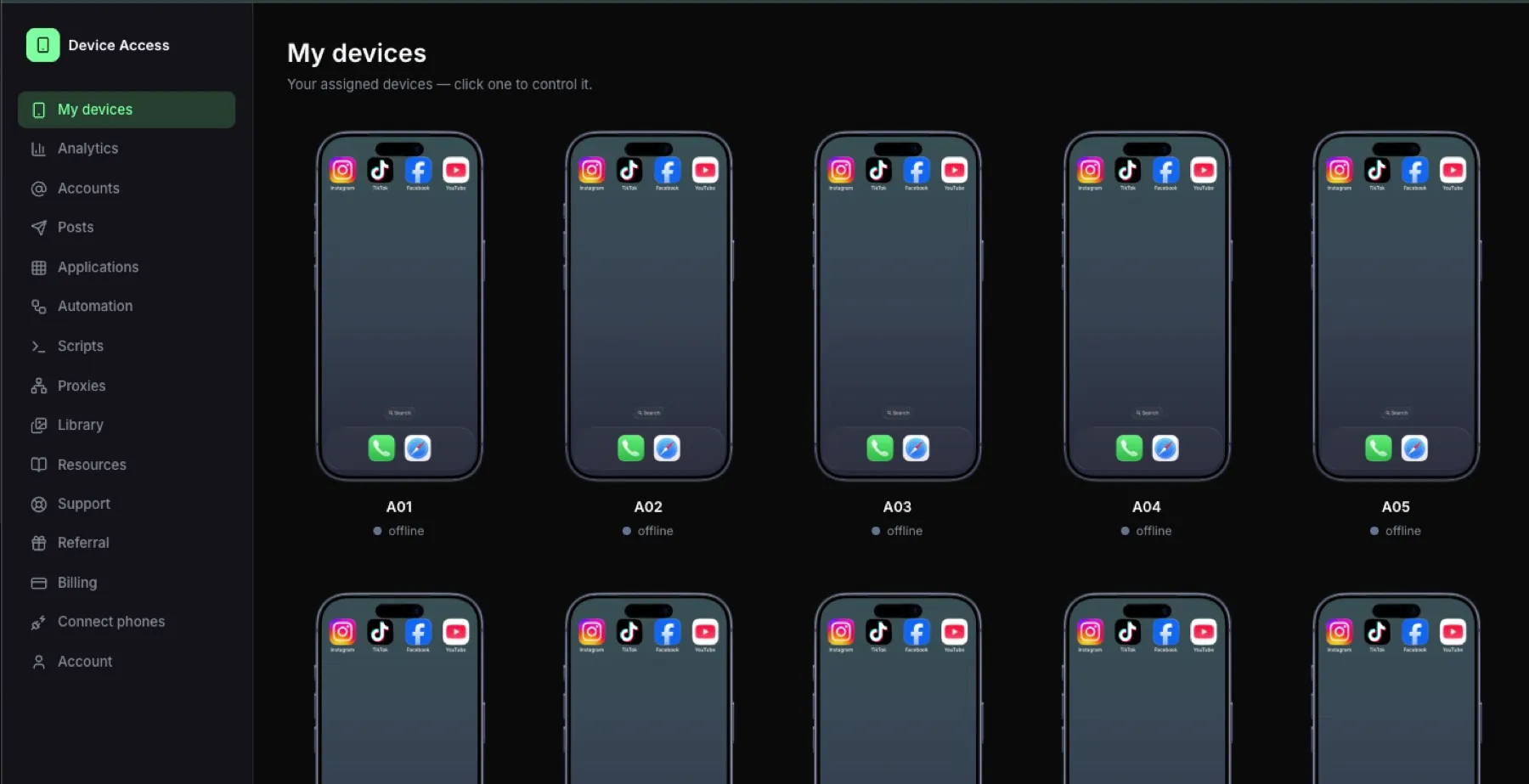
On a phone farm, the software runs it on the real phones, and you watch it live in the browser. What it does today:
Warm-up plans. You pick the accounts, a preset (Careful, Standard or Quick) and the apps: TikTok, Instagram, YouTube and Facebook. The planner turns this into a calendar of sessions for every account. Each account gets its own version: by default the numbers vary by about 20 %, the first day can shift by up to two days, session times differ and the rest day rotates, so no two accounts run in lockstep. The sessions scroll, watch and like on the phone itself.
Be active on TikTok and Instagram. AI looks at the screen and decides whether a video fits the account's niche. The phone then behaves like a person from that niche:
- Likes only on niche videos, set to few, normal or many (by default a 15 %, 30 % or 50 % chance per matching video, with at least 4, 3 or 2 videos in between).
- Searches one of the account's keywords about every 8 videos on average, typed with the occasional typo.
- Comments only on niche videos, capped per run (1 by default), with text written for that video and typed at a human rhythm.
- Visits and follows only niche creators, capped per run (1 follow by default).
- Skips ads and ignores videos in languages you have not allowed for the account.
Popups stop the run. If a popup appears that the phone cannot handle safely, it does not tap it away. It closes the app, pauses the run and shows an alert in the portal until you let it continue.
Daily planner. Per account you set how many runs a day, how long each one is and in which time window. The next run time is randomised, so phones do not start in step. It is off until you switch it on.
Automations run on prepaid AI credit that you top up yourself and that is charged by what is actually used. The calculator in your account shows what a programme costs before you start. More on the control panel in what to look for in phone farm software; the hardware is in the shop.
Like chance per niche video, by setting
| Like chance per niche video, by setting | |
|---|---|
| Few | 15% |
| Normal | 30% |
| Many | 50% |
FAQ
How long should I warm up a new TikTok or Instagram account?
One to three weeks. Our planner defaults to 14 days, offers 21 days for brand-new accounts and 7 days only for accounts that are already aged.
Can I post during the warm-up?
Yes, once it has a few days of ordinary use behind it. Start with one post and increase slowly.
How many likes and follows a day are safe?
There is no published number. As a reference, our default plan starts at 3 likes and no follows a day and caps follows at 10 a day and likes at 25 an hour. It warns above 20 follows a day or 60 likes an hour.
Do I need a separate phone and connection for every account?
For accounts that should stay independent, yes: a real phone and its own connection each. On our iPhone racks each phone has its own SIM; ask the team what fits your setup.
Can the whole warm-up run automatically?
On our software, yes: warm-up plans schedule the sessions, Be active scrolls, likes, searches, comments and follows inside the niche on TikTok and Instagram, and every run is visible live in the browser. You still decide the niche and step in when a popup appears.
Ready to run real phones?
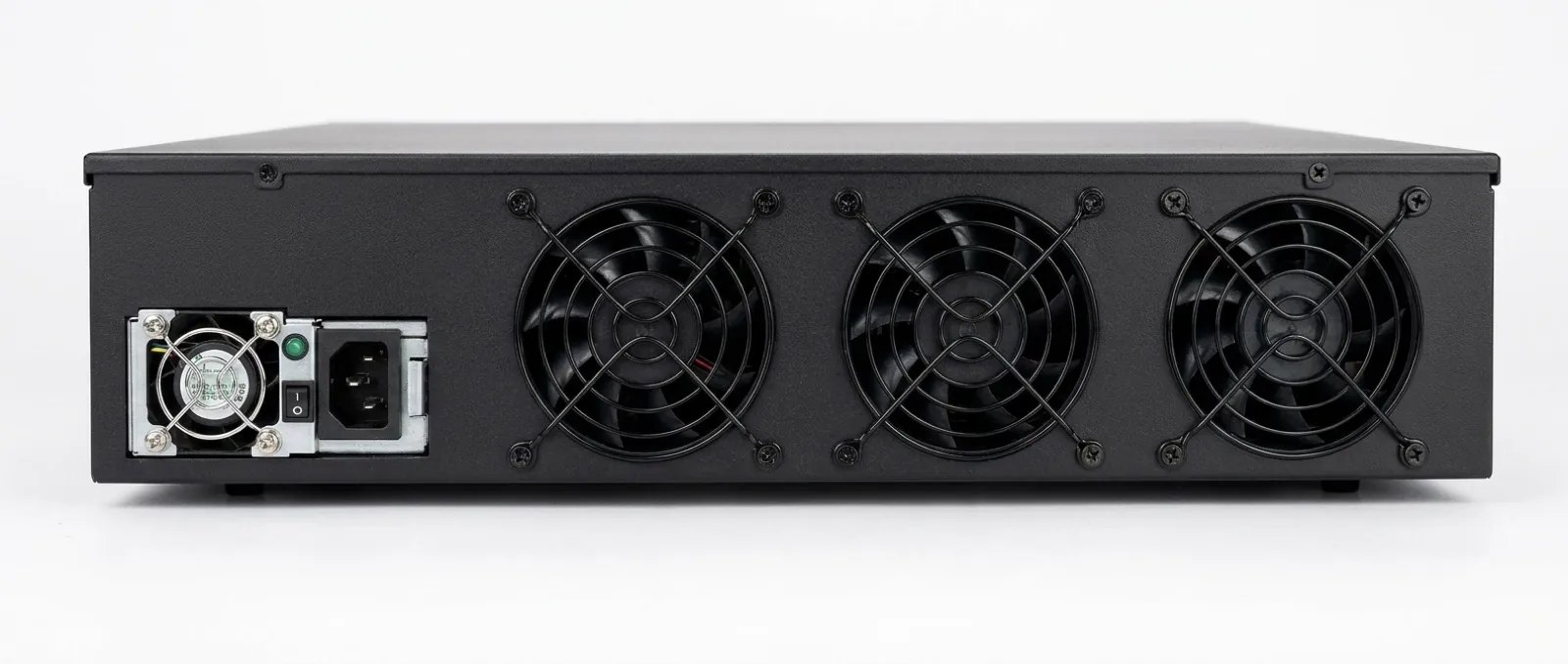
Buy a 20-phone farm box, rent a hosted rack, or run our control software on hardware you already own.